


You Don’t Need 50 Apps.
You Need 7.
Most business owners aren’t drowning in work — they’re drowning in software. Here’s the streamlined, battle-tested system that cuts the chaos and gives you your time back.
Let’s be honest: somewhere along the way, the promise of AI and productivity software went sideways. What was supposed to make your life easier has quietly turned into a second job — managing logins, chasing notifications, and paying subscription fees for apps you barely open.
This is not productivity. This is a digital hamster wheel.
“Every new tool you add comes with its own learning curve, its own login, its own monthly fee. Before you know it, you’re managing tools instead of doing the work.”
The antidote isn’t another app. It’s curation. A lean, powerful, integrated system where every tool earns its place — and the tools talk to each other so you don’t have to play middleman.
If you’re a solo operator or lead a small service team, what follows is your blueprint for 2026: seven essential tools and three workflows that will help you stay focused, get more done, and build a business that’s actually enjoyable to run.
The PhilosophyBuild an Engine, Not a Junkyard
Building an efficient business is like building a high-performance engine. Every part must serve a distinct purpose. Your tech stack is that engine — and a junkyard full of spare parts is not an engine, no matter how impressive the individual pieces look.
After considerable experimentation and ruthless simplification, a clear pattern emerges: the best tech stacks don’t win by having the single best app for each task. They win because the tools form a cohesive system where the whole is more powerful than the sum of its parts.
One place for messages. One place for your pipeline. One board to see all work in progress. This kills context switching — and context switching is silently destroying your productivity.
The 7 Tools That Cover Everything
These seven categories cover every operational need for a modern service business. You become master of your tools — not a slave to your notifications.
Email, website inquiries, and professional DMs consolidated into one interface. Use tags and folders by client or status. No more tab-switching; this is mission control.
Your single source of truth. Contact info, notes, key dates, and status in one record. Before every call or reply, scan the record. After every interaction, spend 2 minutes adding a note. This small discipline pays enormous dividends.
A visual map of To Do → Doing → Done. Each deliverable gets a card with checklists, attachments, and due dates. You can see bottlenecks and momentum at a glance.
Share a booking link, kill the scheduling back-and-forth forever. Clients see your real availability, book in their time zone, and both parties get instant confirmation. Put the link in your email signature today.
Send professional invoices in minutes. Automate reminders (3 days before due, 7 days after overdue). Get notified when invoices are viewed. Low fees, direct bank payouts.
Set up a brand kit once — logo, colours, fonts — and every template matches automatically. Build social posts, slides, and short videos in minutes. Open template, swap content, export. Done.
The digital glue. It watches for a trigger in one app and performs an action in another — 24 hours a day, 7 days a week. When these seven tools talk to each other, the whole system becomes intelligent.
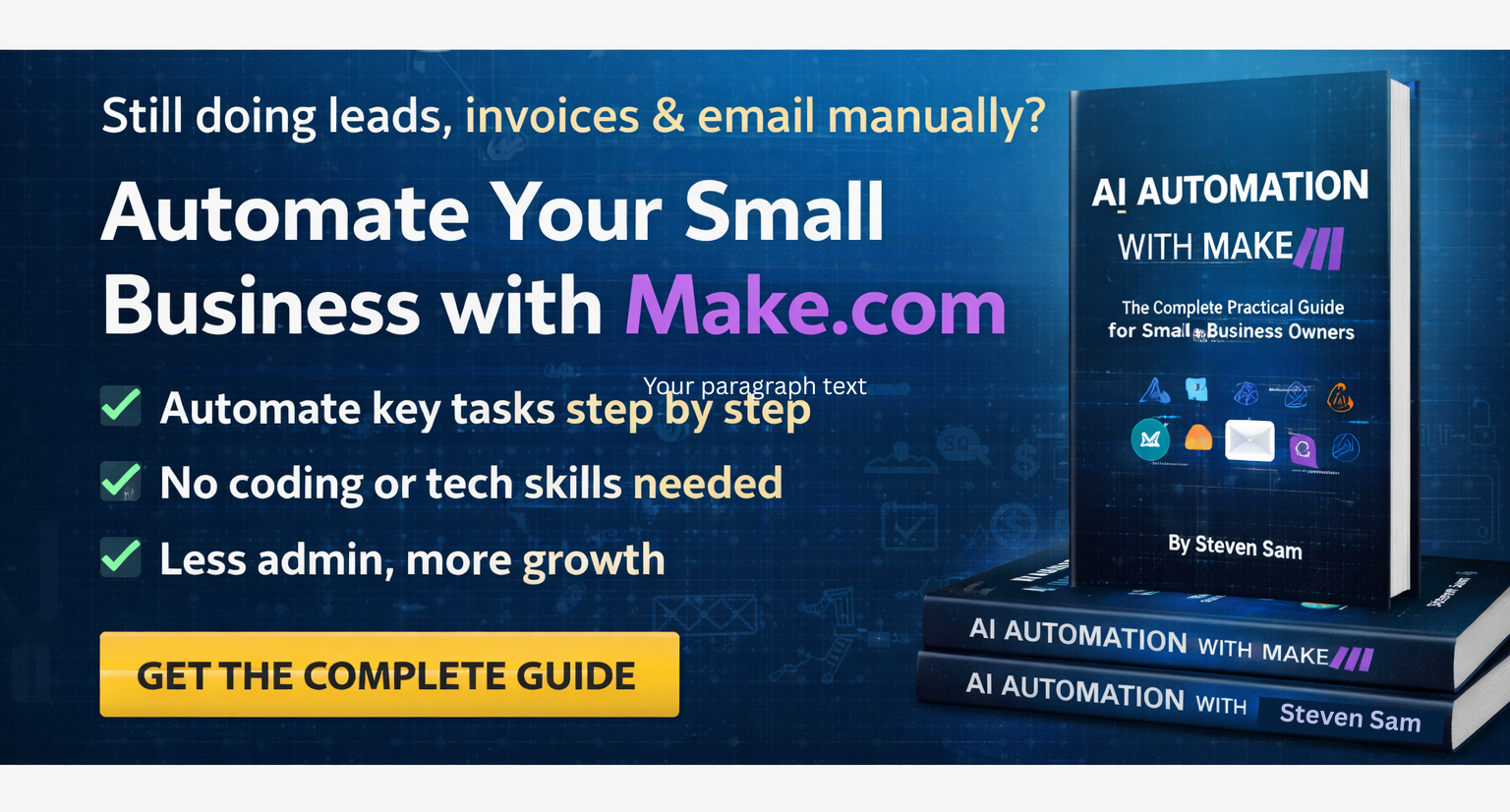
A Note on Automation — Start Small, Scale Fast
The Workflow Automator is the most powerful tool in the stack, and the most underused. Begin with one or two high-frequency repetitive tasks. Here are two examples to get you started:
Invoice paid → Team message. When an invoice is marked paid, automatically post a celebratory note to your team channel. Small wins, acknowledged automatically.
New lead → CRM record. When a contact form is submitted, a CRM record is created instantly and tagged as “Lead” — no manual copy-pasting required.
Once those are running smoothly, chain them into multi-stage workflows. The critical requirement: choose tools that integrate with a major automation platform. Compatibility is non-negotiable.
The Workflows3 Workflows That Run Your Business
Workflow 1: Lead to Paid Client (Seamlessly)
A form submission or email lands in your One Inbox. A CRM record is created automatically, tagged “Lead.”
Reply with a brief, professional message that includes your booking link. The automator has already done the admin — you focus on the human touch.
Automation creates a task: “Prepare for call with [Client Name]” — due the day before. Their email and notes from the CRM populate the card. You arrive prepared.
Change CRM status to “Active Client.” That single action triggers a deposit invoice draft. Review it, hit send. First contact to paid client, with a system that runs itself.
Workflow 2: Project Execution Without the Chaos
Once the deposit clears, set up the project on your Task Board. Break the work into cards with milestone dates. Keep all client communication in one dedicated inbox thread. Store files in a project folder and link them on the board card — everything in one place, always.
When the work is done, send the final deliverables and the final invoice in the same message. Payment reminders run automatically. You don’t have to remember to chase — the system does it.
Workflow 3: Monthly Content in Under an Hour
Once a month, open your CRM call notes and mine them for recurring questions. Pick one theme. Use your content studio templates to produce a carousel, a blog graphic, and a short video — all in under an hour, all automatically matching your brand kit. Publish with a CTA that links directly to your booking page. Not “visit my website.” Your booking page.
Your 30-Day PlanDon’t Overhaul Everything at Once
The biggest mistake when adopting a new system is trying to migrate everything on day one. Start with the one change that will have the most immediate impact and build from there.
Track three numbers: hours spent on admin per week, days from invoice sent to invoice paid, and your feeling of control on a 1–10 scale. If admin hours drop, invoices get paid faster, and your sense of control rises — the system is working.
The goal is not a perfect system. The goal is a system that works — one that gets out of your way so you can focus on strategy, creativity, and building real relationships with your clients. That’s what you started this business for.
Start Today. Pick One Tool.
You don’t need to revolutionise your business this afternoon. Just pick one tool from this list, set it up, and add your booking link to your email signature. Clarity and calm follow from there.
Get Your Free Checklist →